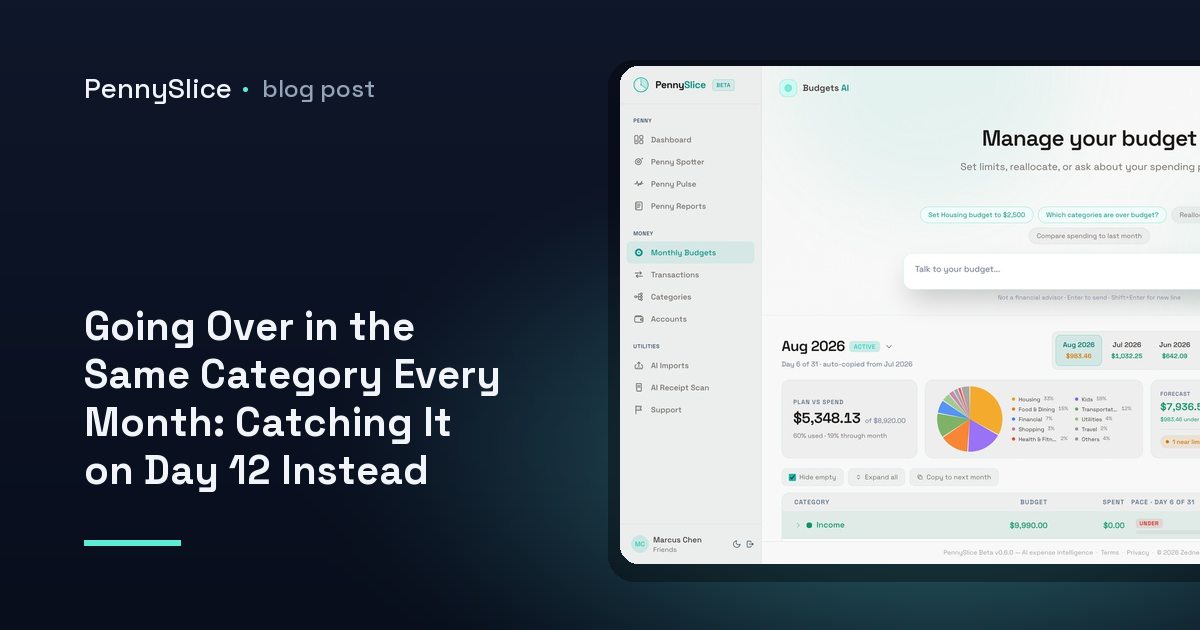
It is the same category every month. Dining, or groceries, or the one that quietly absorbs everything that does not fit anywhere else. You set $600. You end at $780. You look at the number on the first of the next month, note it, resolve to do better, and then land at $760 four weeks later.
The resolution is not the problem. The timing is. A monthly budget is a scoreboard that only updates once, at the end, when every transaction that made up the overage has already cleared. Nothing about a $780 total tells you anything you could have acted on, because by the time it exists there is no month left to act in.
Why do I keep going over budget in the same category?
Because the category is the one where your spending is made of many small decisions rather than a few large ones.
Rent does not surprise anyone. It is one transaction, a known amount, on a known day. Dining is thirty or forty transactions between $9 and $70, spread across four weeks, each one individually reasonable. There is no single moment where you decide to overspend by $180. There are eleven Thursdays and a weekend where a friend was in town.
That structure means the overage is invisible from inside the month. You know you had lunch out. You do not know whether that lunch was the one that put the category on a path to $780, because you do not carry a running total in your head and the ones the bank shows you are not organised by category anyway.
And there is a second reason, which is that some of the spend is not filed where you would look for it. A single big-box trip that shows up as one $240 line under groceries usually is not one category — part of it is household supplies, part of it might be clothing. If that whole line lands in groceries, groceries looks like the problem category when it is not. Splitting a receipt at the line level changes which category the month is actually running hot in.
The mid-month total on its own means nothing
The obvious fix is to check in halfway through. On day 15 of a $600 dining budget you have spent $310, which is just over half, so you are fine. Except you are probably not, because months are not flat.
Your own spending has a shape. For most people, dining is heavier at the end of the month than the start, or heavier on the weekends closest to payday, or front-loaded because a standing Friday habit clusters early. A calendar-proportional check — 50% of the month gone, 50% of the budget gone, all clear — assumes an even distribution that almost nobody actually has.
So the useful comparison is not spend-so-far against the calendar. It is spend-so-far against your spend-so-far in previous months at the same point.
Category budget pace, with real numbers
Here is what that looks like on a dining budget of $600.
Across your last several months, your dining spend by day 12 averaged $210 — about 35% of the month’s total, because your dining is back-weighted. That 35% is the pace baseline. It is derived from your history, not from a rule of thumb.
This month, on day 12, you are at $294.
Against the calendar you look fine: day 12 of 30 is 40% of the month, and $294 is 49% of $600. Slightly ahead, nothing alarming. Against your own pace you are 40% over where you normally are, and projecting the rest of the month on your normal shape puts the category at roughly $840.
That is a $240 overage, identified on day 12, with 18 days of dining decisions still ahead of you. The same fact arriving on day 30 is a receipt. Arriving on day 12 it is a number you can still do something about — and what you do about it is yours to decide, which is the point.
Budget alerts before overspending, not after
This is one of seven background detectors in Penny Spotter. They run without being asked, on whatever data you have put in — a linked account, an imported CSV, or both.
- Budget pace flags a category on track to exceed its budget before it does, using the comparison above.
- Category anomalies flag spending that breaks your own established pattern, which is a different signal — a $340 vet bill is not a pace problem, it is a one-off, and treating the two the same produces a month of noise.
- Recurring cost creep catches subscriptions and bills that rose quietly, which is a common reason a category drifts over without any change in behaviour.
- Predicted expenses surface bills that are still coming, so a category that looks under budget on day 20 does not look under budget because the annual renewal has not landed yet.
That last one matters more than it sounds. Half of what feels like an unexplained overage is a known bill you had stopped thinking about.
What to ask when the flag arrives
A flag tells you a category is running ahead. It does not tell you which part of the category, and that is usually the question you actually have. So ask it in plain English:
- “What’s driving dining this month compared to last month?”
- “Which merchants are new in this category?”
- “How much of my dining is weekday lunch?”
- “If I keep going at this rate, where does dining land on the 30th?”
Answers come back with figures from your own transactions rather than general guidance. What-if questions run against your real balances and history, so “can I absorb a $400 flight next month” gets a number. Spending, categories, budgets and predictions are four of the eight areas the chat can answer across.
The categorization side is what makes the pace figure trustworthy in the first place. One purchase can be split across several categories at the line level, so the dining number is dining and the grocery number is groceries. A pace alert built on a category that is quietly absorbing three kinds of spending will fire at the wrong time, or not at all.
How to tell if you’re going to overspend this month
You need three things, and only three: a budget on the category, enough transaction history for the system to know your normal shape of the month, and a check that happens without you initiating it.
The third is the one people skip. Manual mid-month reviews work exactly as long as you keep doing them, which for most people is about six weeks. A background detector does not need to be remembered.
Set a budget on the one category you already know is the problem — the one you could have named before you started reading. Import a few months of history, or link the account, and let pace tracking establish what your normal day-12 number looks like. Then wait for the flag instead of the total.
PennySlice provides spending information, not financial advice.