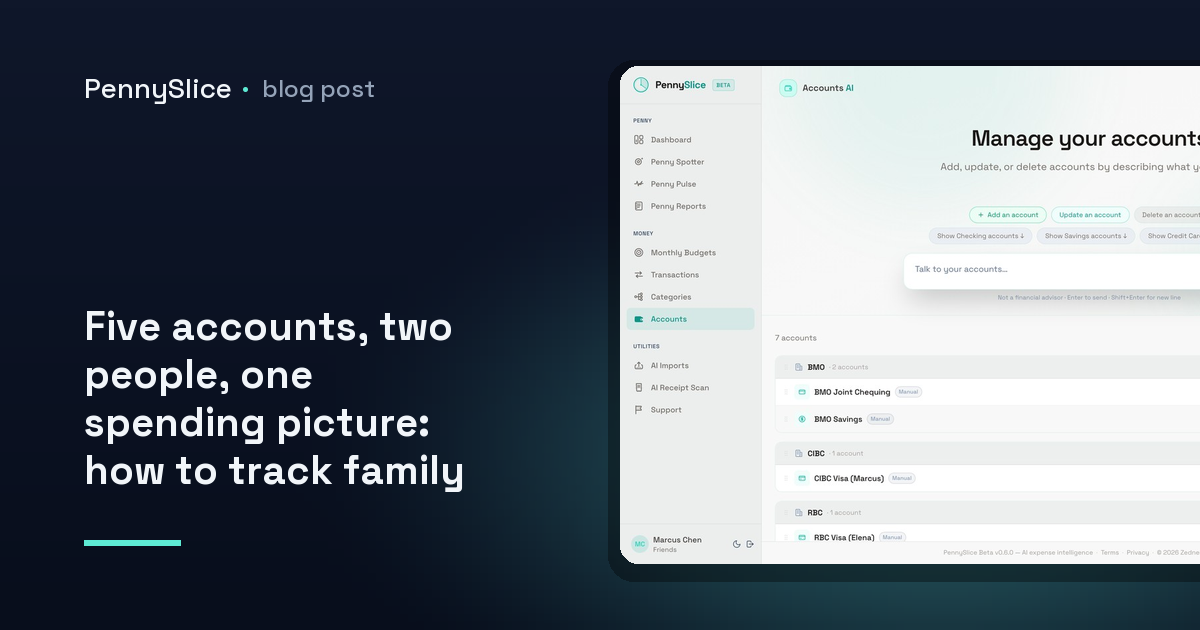
Two people, a joint chequing account, two personal chequing accounts, a shared credit card and one card that only one of you uses for work reimbursements. Five accounts. Every one of them, looked at alone, looks fine. Nothing is overdrawn. Nothing is obviously wasteful. And yet the month ended tighter than it should have, and neither of you can say where it went.
That is not a discipline problem. It is a shape problem. The household spends as one unit and the data arrives in five pieces, and the pieces are each small enough to look reasonable.
Why per-account views hide the household pattern
Say groceries land in three places. The big weekly shop goes on the joint card. Top-up trips go on whichever personal card is in whichever pocket. Occasionally one of you grabs something on the way home and it lands on the work card and gets reimbursed later, or doesn’t.
Open the joint card statement and groceries look like a controlled, predictable line. Open either personal account and the grocery spend there is a rounding error next to rent or a car payment — not worth a second look. The total is only visible if something adds the three together, and nothing in a per-account view does.
The same fragmentation hits every shared category. Restaurants split across two people. Kids’ clothing bought by whoever is at the shop. Subscriptions where one is billed to a personal card because that’s whose email set it up, and the other three are on the joint one. Each fragment is defensible. The sum is the thing you actually wanted to see, and it is the one number no single statement contains.
Per-person views have the same flaw pointed the other way. Splitting by human tells you who spent, which is a fine answer to a question most households are not asking. “Did we overspend on groceries” is a household question. “Which of us overspent on groceries” is a different conversation, and usually a worse one.
The merge is where categories break
Most attempts at household expense tracking with multiple people fail at the join, not at the collection. Getting five accounts into one place is the easy half. Keeping the categories coherent once they are there is the half that quietly falls apart.
Three things go wrong.
The same merchant is categorized differently in each source. One account has the supermarket as Groceries, another has it under a generic Shopping bucket the bank assigned, a third has the merchant name mangled into an unrecognisable string with a store number attached. Merged, that is three categories where there should be one.
Transfers between your own accounts count as spending. Move money from joint to personal to cover something and a naive merge records an expense on one side and income on the other. Do that four times a month across five accounts and the household totals are fiction.
Mixed-basket purchases get filed as one thing. The single largest distortion in household data is the big-box trip. A £140 shop that is groceries, a jacket, cleaning supplies and a bag of soil gets categorized as whatever the merchant is most associated with, and the grocery line absorbs the lot. Do that twice a month and your grocery budget looks broken while your clothing budget looks untouched.
That third one is why sub-transaction categorization matters more in a household than anywhere else. PennySlice splits a single purchase across several categories at the line-item level — one trip becomes groceries plus clothing plus household, automatically. If you want the mechanics, splitting a Costco receipt at the line level walks through a single basket end to end.
How to track family spending across multiple accounts in one view
The practical setup has three parts.
Get all five accounts in, by whichever route suits each one. You can link accounts through Plaid, where the login is entered at your own bank and what comes back is a revocable read-only token — available on paid tiers, US and Canada at launch, with a cap of 3 linked accounts on Insight and 10 on Predict. Or you can import: CSV, Excel, OFX, PDF, forwarded email, or a photo of a receipt. There is no template to choose and no column-mapping step; the structure gets detected from the file. Most households end up mixing both — link the two accounts you check constantly, import the card that only sees occasional use. If you’re on the import path and unsure where the export button lives, the Canadian bank export guides cover the major institutions step by step, and guides exist for 104 banks across 14 countries.
Turn on household sharing. Multiple people, shared accounts, shared budgets, one view. This is the part that makes a shared budget for a household mean something: the budget is set against the merged total, not against one person’s slice of it. Both of you see the same numbers, which removes the recurring task of one person exporting a spreadsheet for the other.
Fix categories once, at the line level. When a merchant is misfiled, correct it. Corrections improve categorization for everyone using the platform, so accuracy compounds as it gets used. The related mechanic — categorizing a receipt line by line — is what keeps a mixed basket from collapsing into a single misleading category.
Asking the household question directly
Once the data is merged, the useful interface is not a dashboard you have to interpret. It is a question.
“What did we spend on groceries last month across all accounts?” gets a figure. “Which merchant took the biggest share of our spending in Q3?” gets a name and a number. “Are the kids’ activities costing more than they did in spring?” gets a comparison. The conversational AI covers eight areas — transactions, accounts, categories, budgets, imports, receipts, predictions and what-if scenarios — and answers are grounded in your own data rather than general guidance. There’s a fuller breakdown of what you can actually ask if you want the scope.
Running behind that, seven Penny Spotter detectors work without being asked. Budget pace flags a category on track to exceed its budget before the month closes. Recurring cost creep catches the subscription that went up quietly — the exact thing that hides in a household, because the person who set it up isn’t the person watching the joint account. Merchant concentration surfaces where a single merchant is taking an outsized share. Predicted expenses name bills before they land.
For a household, the timing matters more than the accuracy. Learning in the second week that a category is pacing over is a decision you can still act on. Learning it on the 31st is a post-mortem.
Where to start
Pick the two accounts that carry the most shared spending — usually the joint chequing and the card you both use — and get those in first. Link them or import a few months of history, whichever is faster for your bank. One view of both partners’ spending on the two accounts that matter most will tell you more in an afternoon than five separate statements have all year. Add the other three once you can see the shape.
Track is free forever, and paid plans come with a 30-day trial that does not ask for a card.
PennySlice provides spending information, not financial advice.