You already know about the streaming service and the gym. That is the problem with most subscription cleanups: you sit down with a statement, find the four charges you could have named from memory, cancel one of them, and call it done.
The charges that actually add up are the ones that changed. A cloud storage plan that was $2.99 and is now $5.99. A password manager that went from $35.88 a year to $47.88. A meal kit that added a delivery fee. None of those show up as a new line on your statement. They show up as the same merchant name you have skimmed past twelve times, with a slightly different number next to it.
So a proper recurring-charges audit is two passes, not one. First you find everything that repeats. Then you check whether any of it repeats at a different price than it used to.
Pass one: how to find recurring payments on my bank account
Work from data you can sort, not a PDF you scroll. Pull at least twelve months of transactions — twelve because annual subscriptions bill once and you will miss every one of them in a 90-day window. Most banks will give you CSV, Excel or OFX from the account activity screen; if you bank in Canada, the export steps for RBC, TD, Scotiabank, BMO, CIBC and National Bank are written out step by step.
Once it is in a spreadsheet, sort by description rather than by date. Recurring charges announce themselves the moment identical merchant strings sit next to each other. Then look for three signals:
Same merchant, regular interval. Monthly is obvious. Also check for every four weeks, which drifts across the calendar and produces thirteen charges a year instead of twelve, and quarterly, which is easy to mistake for a one-off.
Round-ish amounts that never vary. $9.99, $14.99, $120.00. Groceries and gas fluctuate; subscriptions rarely do, until they do.
Descriptors that do not look like a merchant. Billing descriptors are frequently the parent company, an app-store intermediary, or a payment processor with a reference number attached. A charge labelled with a company you have never heard of is not necessarily fraud — it is often the legal entity behind a product you use daily. Search the exact string before you assume anything.
Build a single list as you go: merchant, amount, interval, first date seen. That list is the thing you will compare against next month, and it is far more useful than a mental note.
How to find subscriptions you forgot about
A bank statement is a good net, but it has holes. Three places recurring charges hide from it:
Card-on-file at an app store. Several subscriptions can arrive as one bundled charge from the same platform, or as separate charges with near-identical descriptors. The statement tells you the total; the platform’s own subscription screen tells you what it is made of.
Cards you stopped carrying. A card sitting in a drawer still bills. If the account is open, export it too.
Wallets and payment intermediaries. If you want to know how to find recurring payments on PayPal, the statement will only show you PayPal — not who PayPal paid. Automatic payments and pre-approved billing agreements live in your PayPal account settings, under the section for automatic payments, and they need checking separately. The same is true of any wallet or buy-now-pay-later service that sits between your bank and a merchant: one line in your bank data, several arrangements behind it.
A free trial you started and forgot is the classic version of this, but the more common one is duller — a service you genuinely used for two months in 2023 and have not opened since.
Pass two: finding the amount drift
This is the pass almost nobody runs, and it is where the money is.
Group your twelve months by merchant, then look at the amount column down the group. You are looking for a step change: eleven charges at one figure and one at a higher figure, or a slow staircase of small increases. Sort by merchant and then by date, and a staircase is visible in about two seconds.
What you will typically find:
- A single step up. The plain price rise. Often announced in an email you archived.
- A staircase. $3 more, then $2 more, then $2 more. Each increment is small enough to ignore individually and the total is not.
- A tier change you did not make deliberately. Storage plans and seat-based tools upgrade themselves when you cross a threshold.
- Fees bolted onto a stable base price. The subscription line is unchanged and the total is not.
- The annual renewal at a new number. The worst of the set, because you compare it against a memory that is twelve months old.
A subscription price increase without notice is usually a notice you received and did not read, which is not much comfort. The practical defence is not better inbox discipline. It is that a price change leaves a mark in your transaction data whether or not you read the email, so the data is the reliable place to look.
While you are there, check the reverse: charges that stopped. A service you cancelled that kept billing, or a charge that vanished for two months and came back, both deserve a look.
Doing it without redoing it
Once is useful. The audit’s value comes from repetition, and repetition by hand is where this falls apart — nobody sorts a spreadsheet by merchant every month for a year.
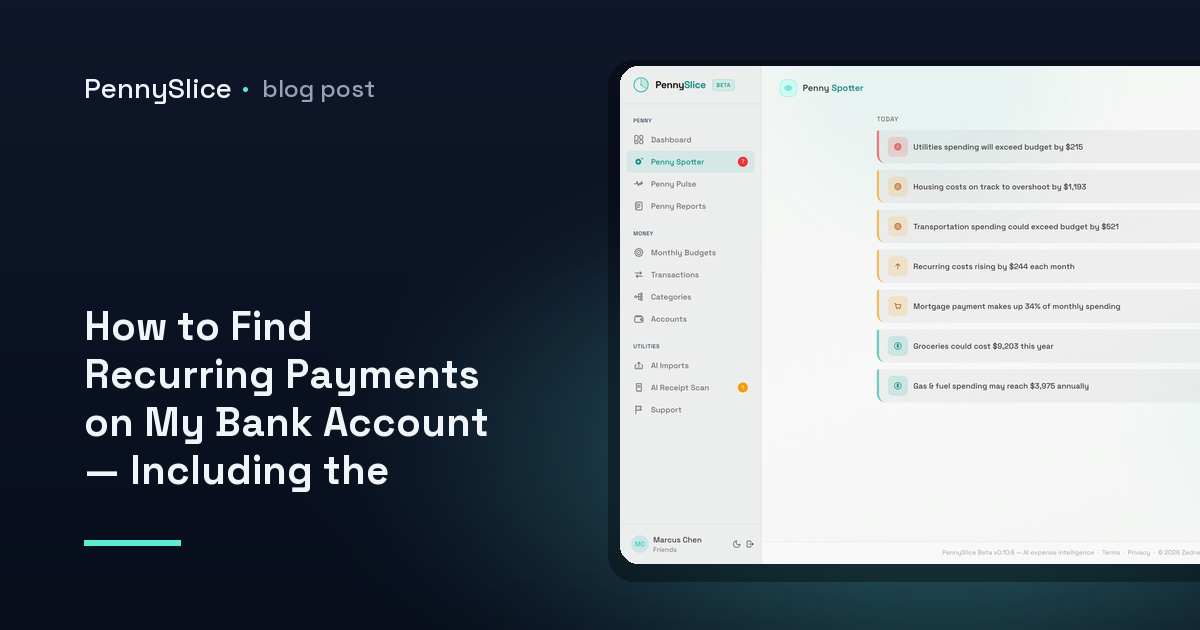
This is what PennySlice’s recurring cost creep detector watches for. It is one of seven Penny Spotter detectors that run in the background without being asked, and its whole job is the second pass: same merchant, same interval, different amount. It also flags predicted expenses — bills that are coming before they land — and merchant concentration, when a single merchant is taking an outsized share of your spending.
You can ask directly too, in plain English: what recurring charges do I have, which ones went up in the last six months, how much did this merchant take from me last year. The answers come back as figures from your own transactions.
How the data gets in is your call. Import CSV, Excel, OFX, PDF, a forwarded email or a photo of a receipt — the file is read and its structure detected, with no template to choose and no columns to map. Or link a bank through Plaid, where the login is entered at your bank, not at PennySlice, and the token that comes back is read-only and revocable from either side. Bank linking is available in the US and Canada; import works wherever your bank will give you a file. You can mix both.
The Track tier is free forever, and paid plans include a 30-day trial with no card required.
One thing to do now
Export twelve months from your main account, sort by merchant description, and read down the amount column for a single merchant whose number is not the same at the bottom as it was at the top. One staircase is all you need to find to make the export worth it.
PennySlice provides spending information, not financial advice.