PennySlice Blog
Personal finance, explained plainly — spending patterns, budgeting, and getting more out of your own numbers.
-
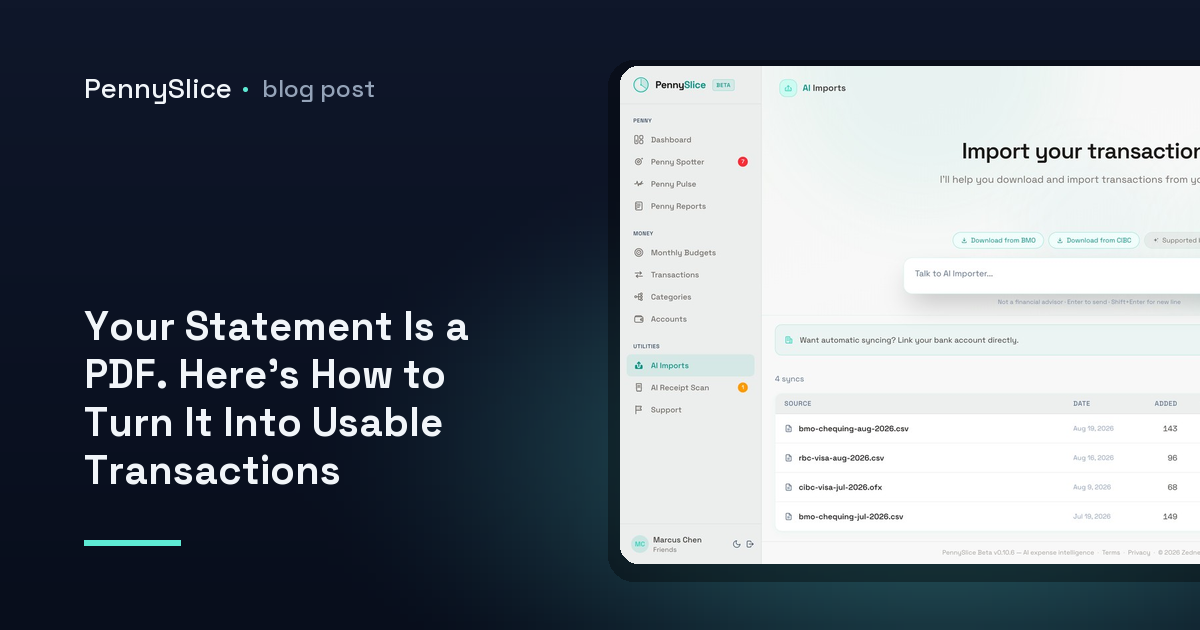
Your Statement Is a PDF. Here’s How to Turn It Into Usable Transactions
How to convert a PDF bank statement to CSV without retyping rows or mapping columns — plus how to import a PDF statement into an expense tracker directly.
-
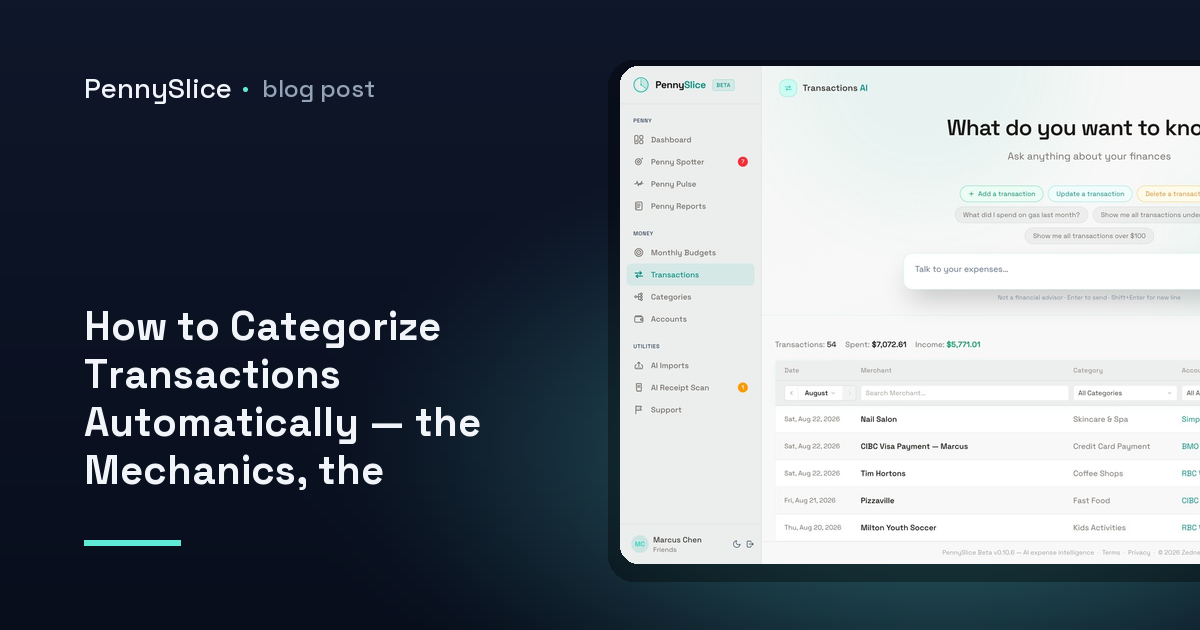
How to Categorize Transactions Automatically — the Mechanics, the Mislabels, and the Line-Item Fix
How to categorize transactions automatically: what merchant strings can and can’t tell a categorizer, and how splitting fixes it.
-
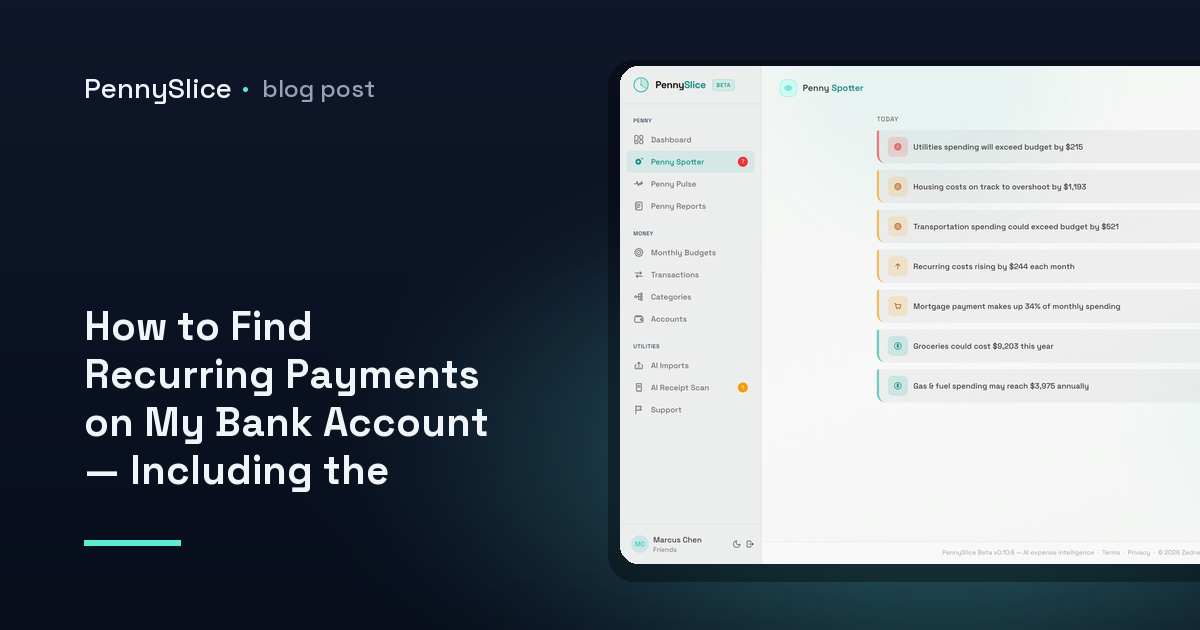
How to Find Recurring Payments on My Bank Account — Including the Ones That Quietly Got More Expensive
How to find recurring payments on my bank account, spot subscriptions you forgot about, and catch the ones whose price crept up without a notice email.
-
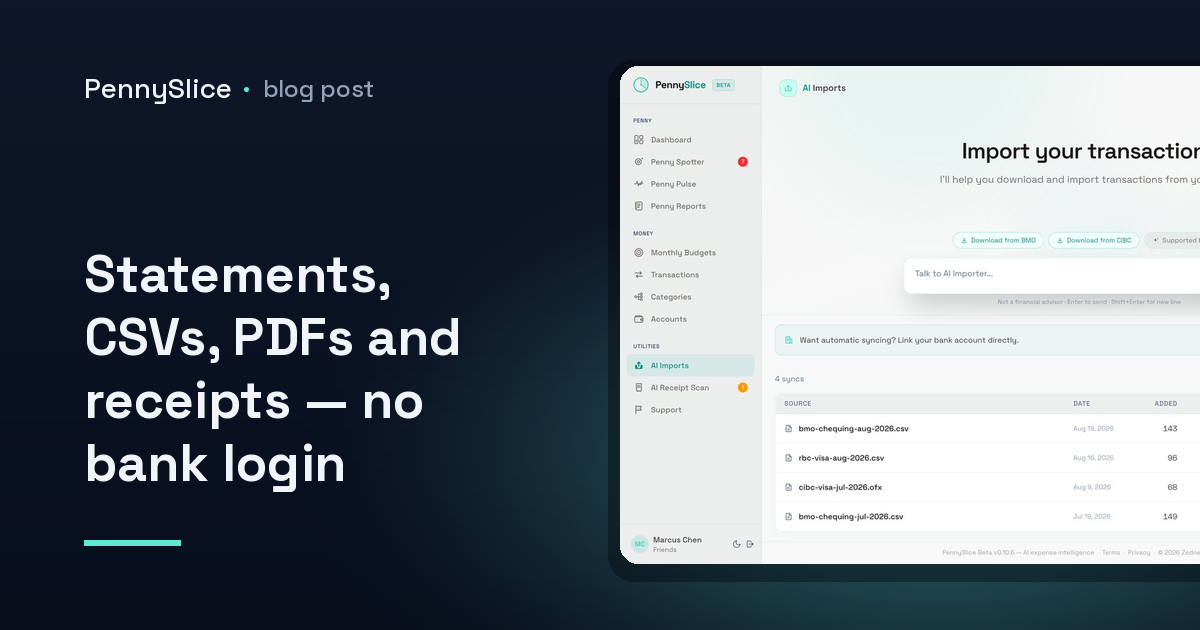
An Expense Tracker That Works Without Linking Your Bank: Uploading Statements, CSVs, PDFs and Receipts
Want an expense tracker that works without linking your bank? Import CSV, Excel, OFX, PDF, email or receipt photos and ask questions about your own data.
-
What Can You Actually Ask an AI to Analyze My Bank Statements? The Eight Areas That Get Answers
Wondering what AI to analyze my bank statements can actually tell you? Eight question areas, real example questions, and the kind of answer each returns.
-
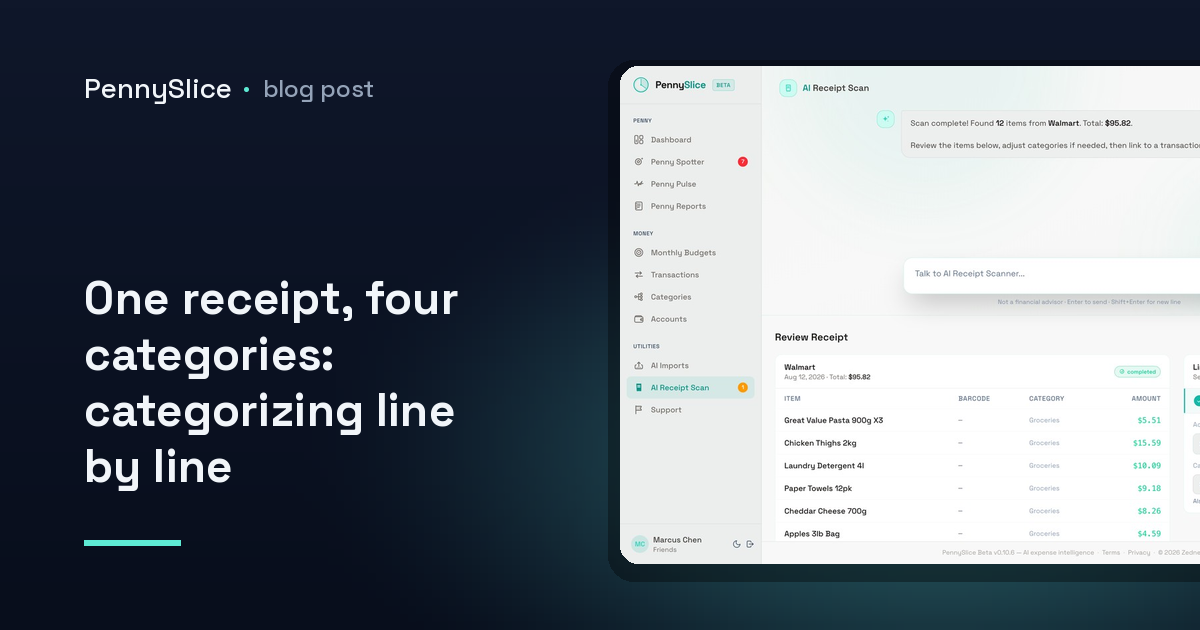
One receipt, four categories: how to categorize a receipt line by line
Learn how to categorize a receipt line by line, split one purchase into multiple categories, and stop filing every warehouse run under groceries.
-
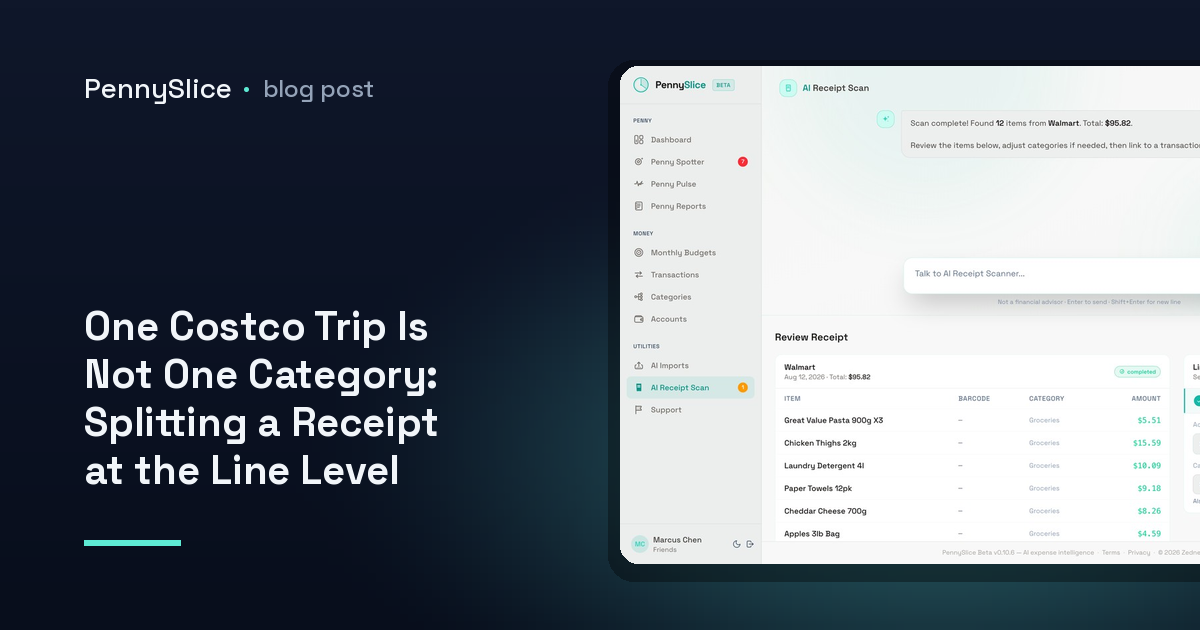
One Costco Trip Is Not One Category: Splitting a Receipt at the Line Level
How to split a Costco receipt between categories at the line level, so groceries, household and clothing stop hiding inside one bank transaction.
-
How to export transactions from Canadian banks: RBC, TD, Scotiabank, BMO, CIBC and National Bank
How to download transaction history as CSV, Excel or OFX/QFX from RBC, TD, Scotiabank, BMO, CIBC and National Bank of Canada.
-
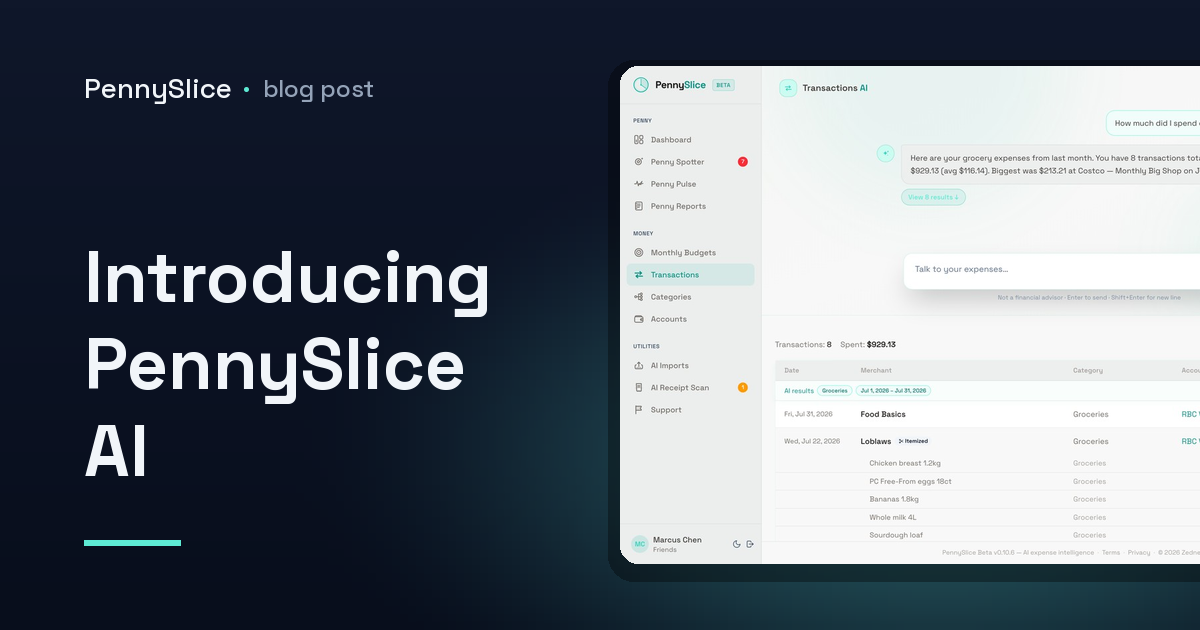
Introducing PennySlice AI
Why we built an expense app you talk to instead of scroll through — and what it does, what it doesn’t, and how your data gets in.